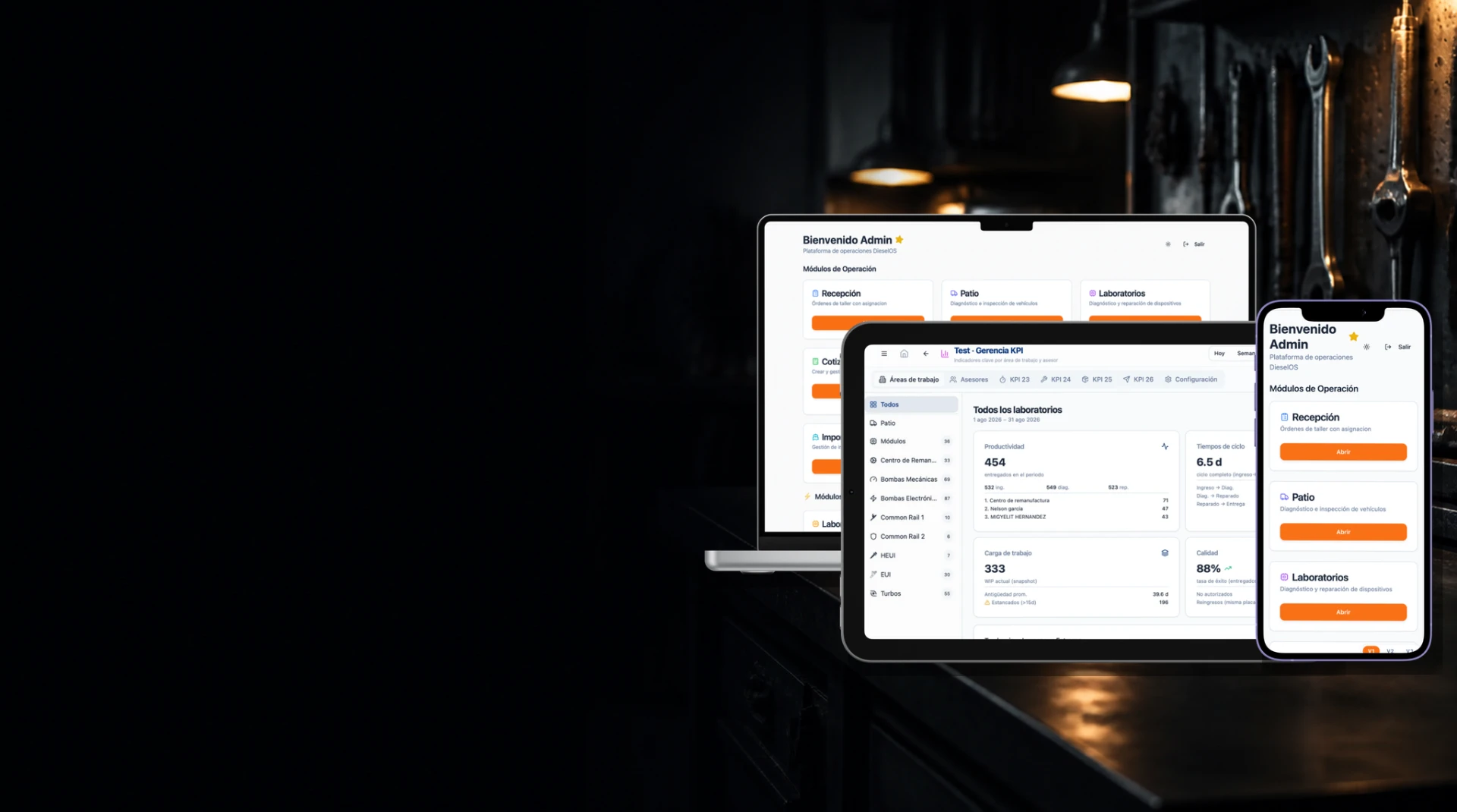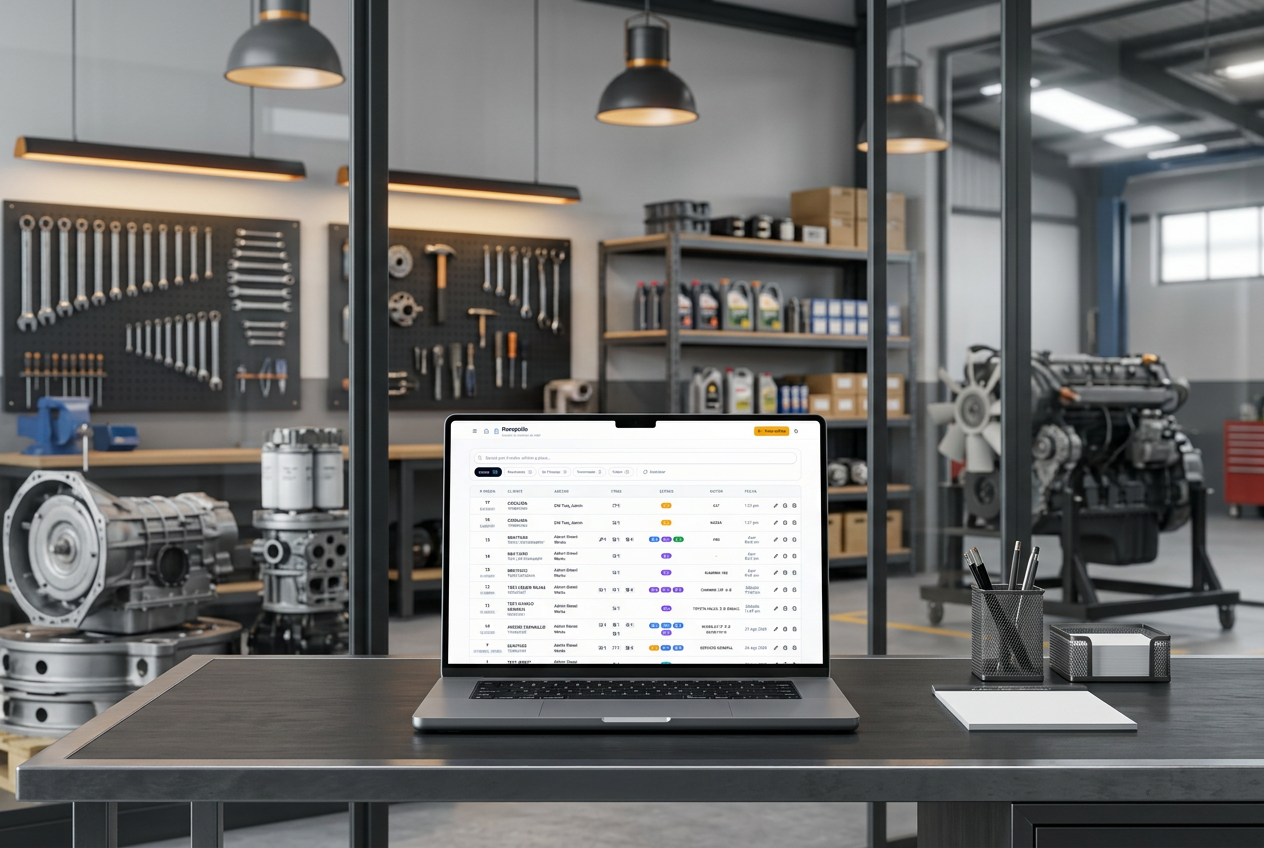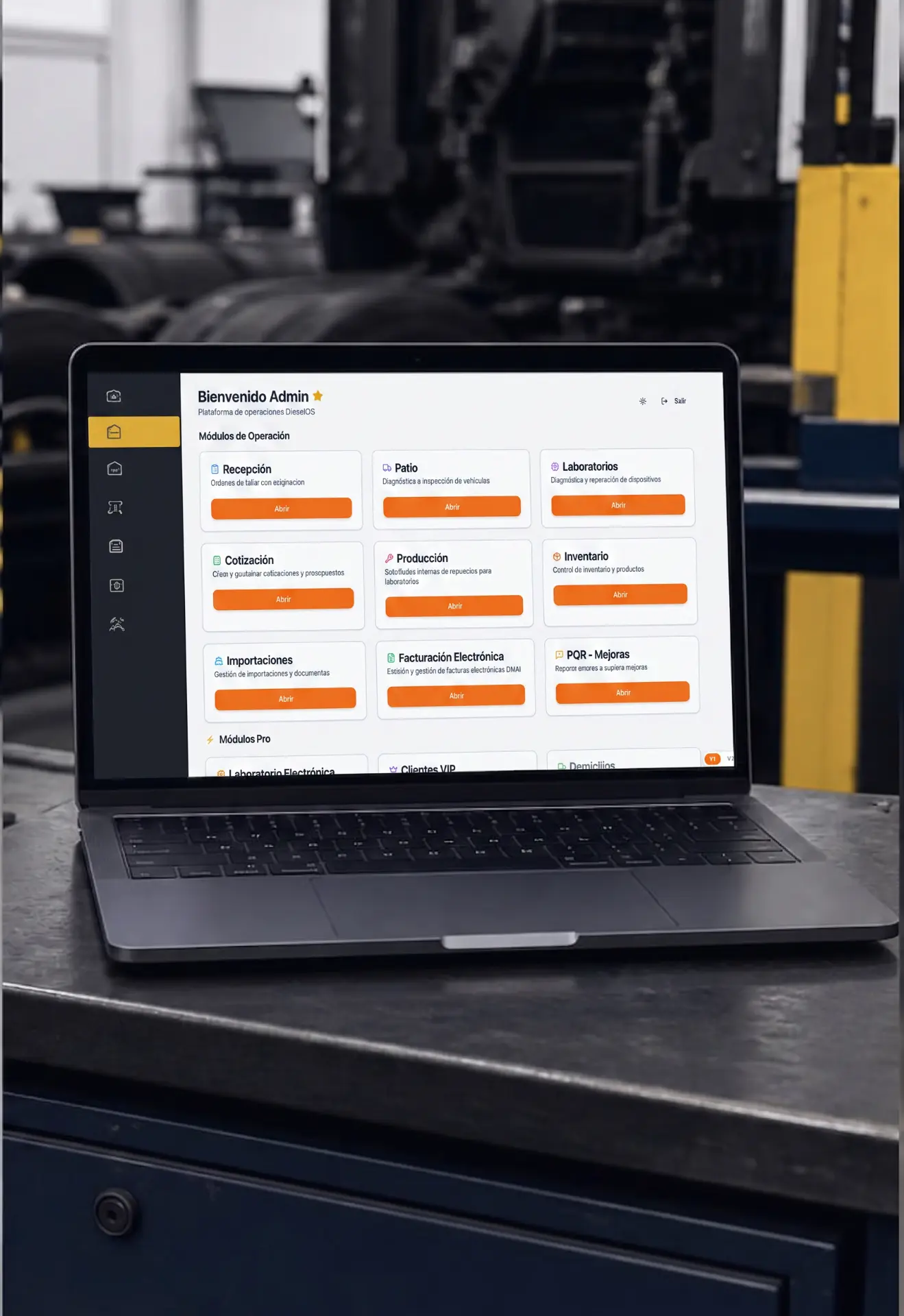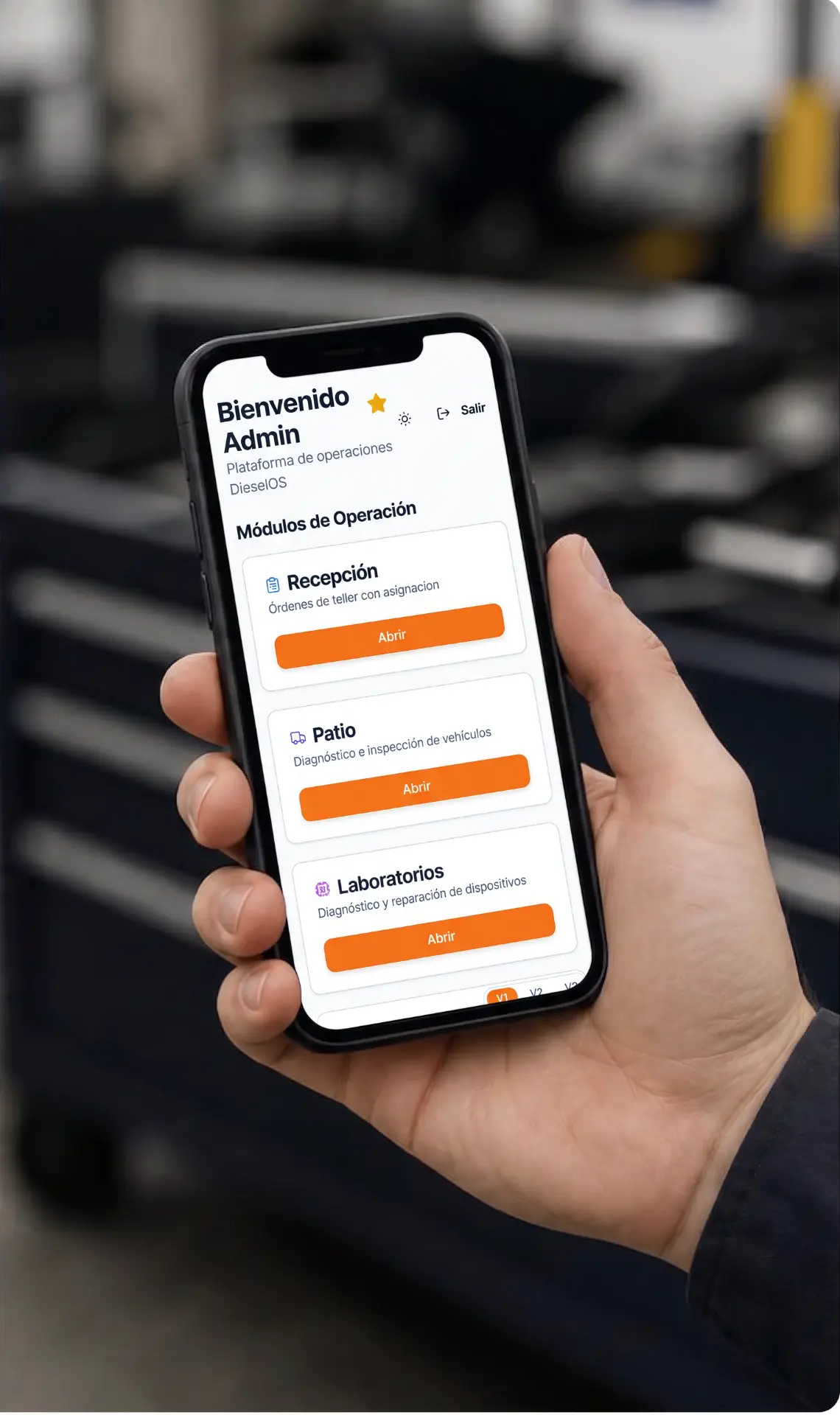



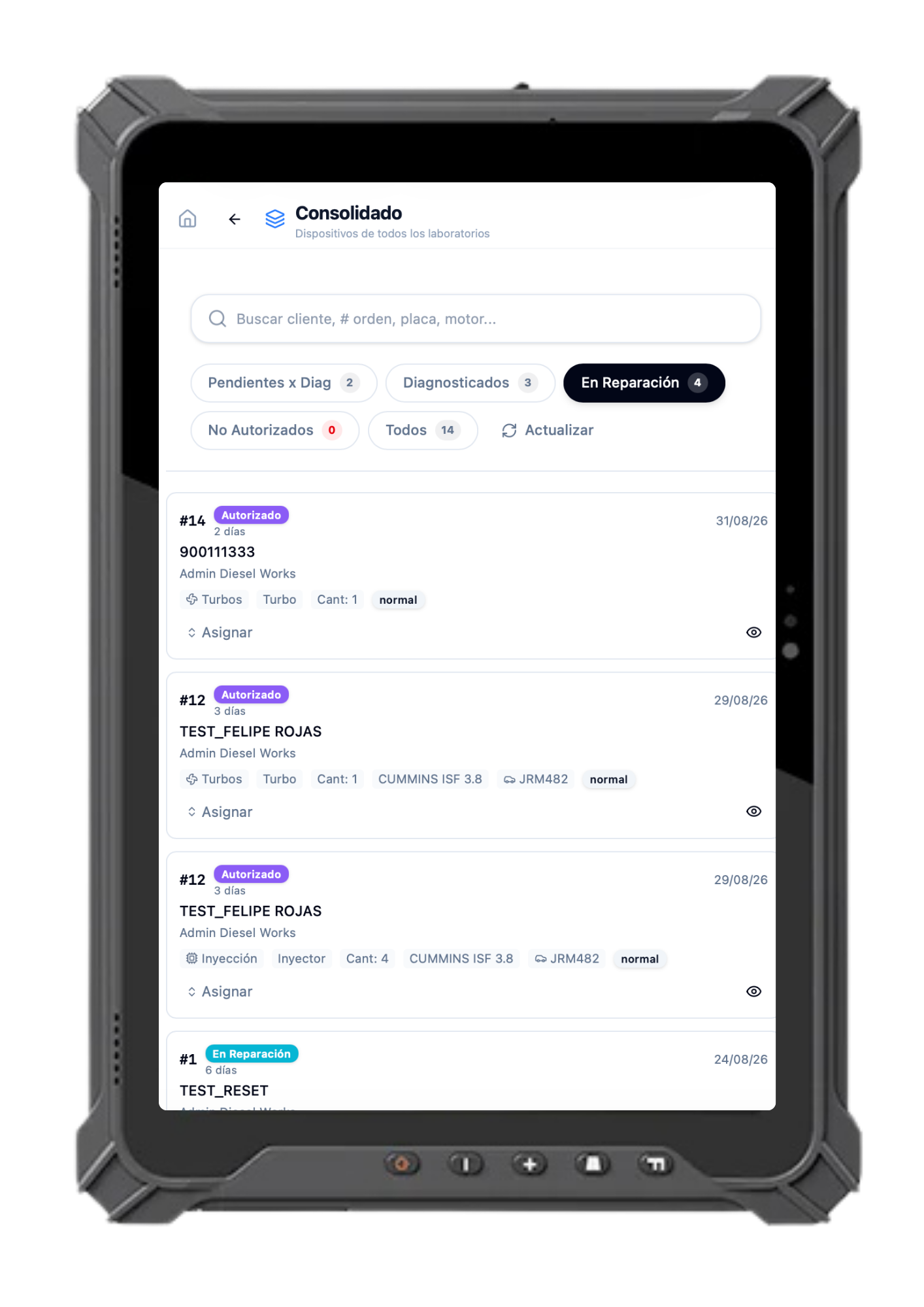
Computador, tablet industrial y celular con Diesel Works Software en un taller diésel
Diesel Works Software

Your entire shop, under control.

Manage your diesel workshop from a single platform, with connected information and end-to-end traceability.

More order
More traceability
More control
One platform

One system. The whole operation.

Diesel Works Software connects workshop processes so information flows across teams and you can work with greater control.

Computador con la plataforma Diesel Works Software abierta
  • 01Customers
  • 02Vehicles
  • 03Work orders
  • 04Diagnostics
  • 05Parts
  • 06Quotes
  • 07Inventory
  • 08Indicators
Modules

Every area, connected.

Explore how each module supports a real part of your operation.

01 / 15

Intake

The first step, under control.

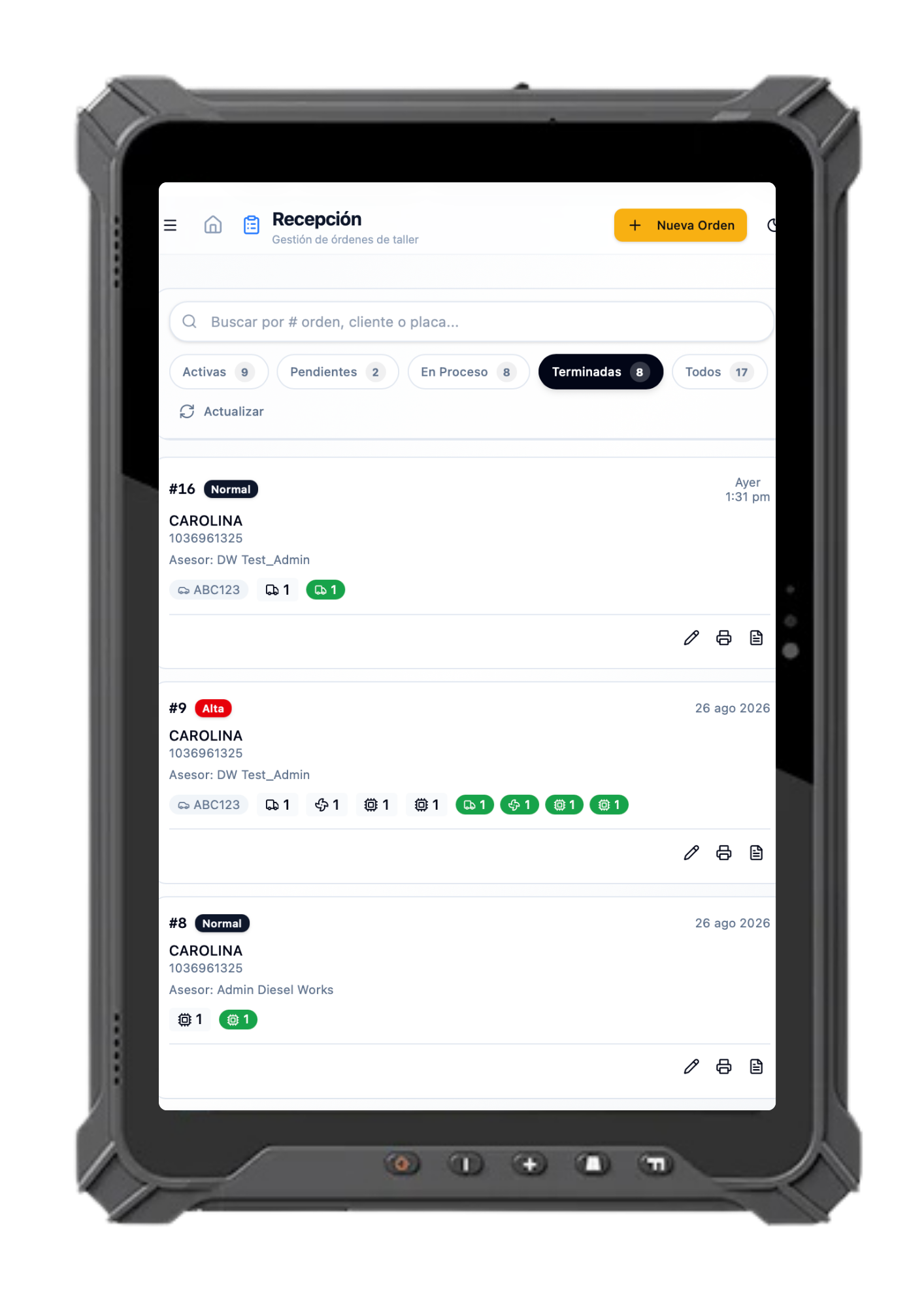
Manage customers, vehicles, work orders and every service intake.

  • Customers
  • Work orders
  • Vehicle records
  • Evidence
Módulo Intake de Diesel Works Software en una tablet industrial de taller diésel
01Intake
01 / 15

Intake

The first step, under control.

Manage customers, vehicles, work orders and every service intake.

  • Customers
  • Work orders
  • Vehicle records
  • Evidence
Módulo Intake de Diesel Works Software en una tablet industrial de taller diésel
02Yard
02 / 15

Yard

Every vehicle, in context.

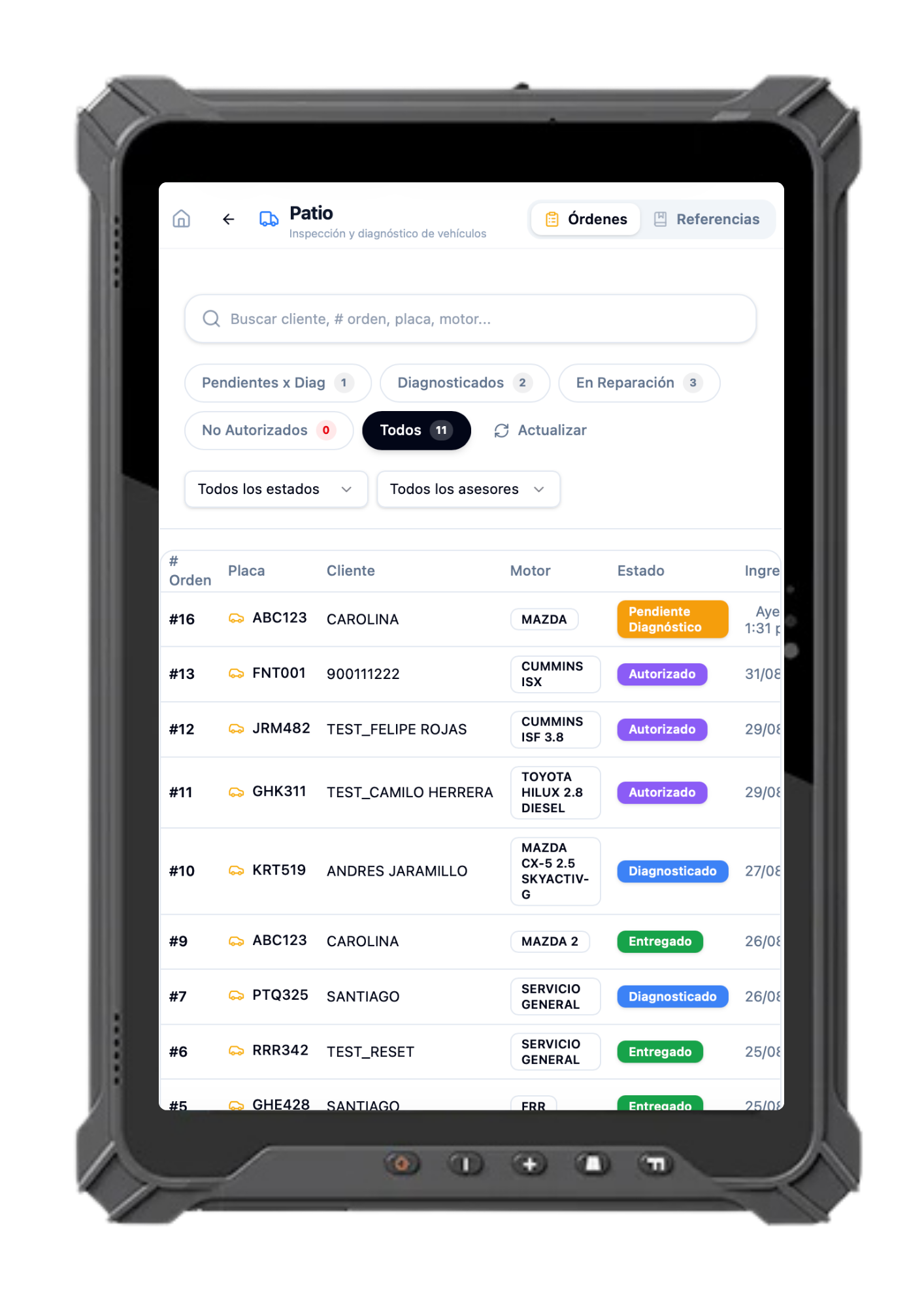
Control vehicle inspections and status throughout the operation.

  • Inspections
  • Checklists
  • Evidence
  • Parts
Módulo Yard de Diesel Works Software en una tablet industrial de taller diésel
03Laboratory
03 / 15

Laboratory

From diagnosis to repair.

Manage diagnostics, references, parts, protocols and repair status.

  • References
  • Diagnostics
  • Protocols
  • Status
Módulo Laboratory de Diesel Works Software en una tablet industrial de taller diésel
04Quoting
04 / 15

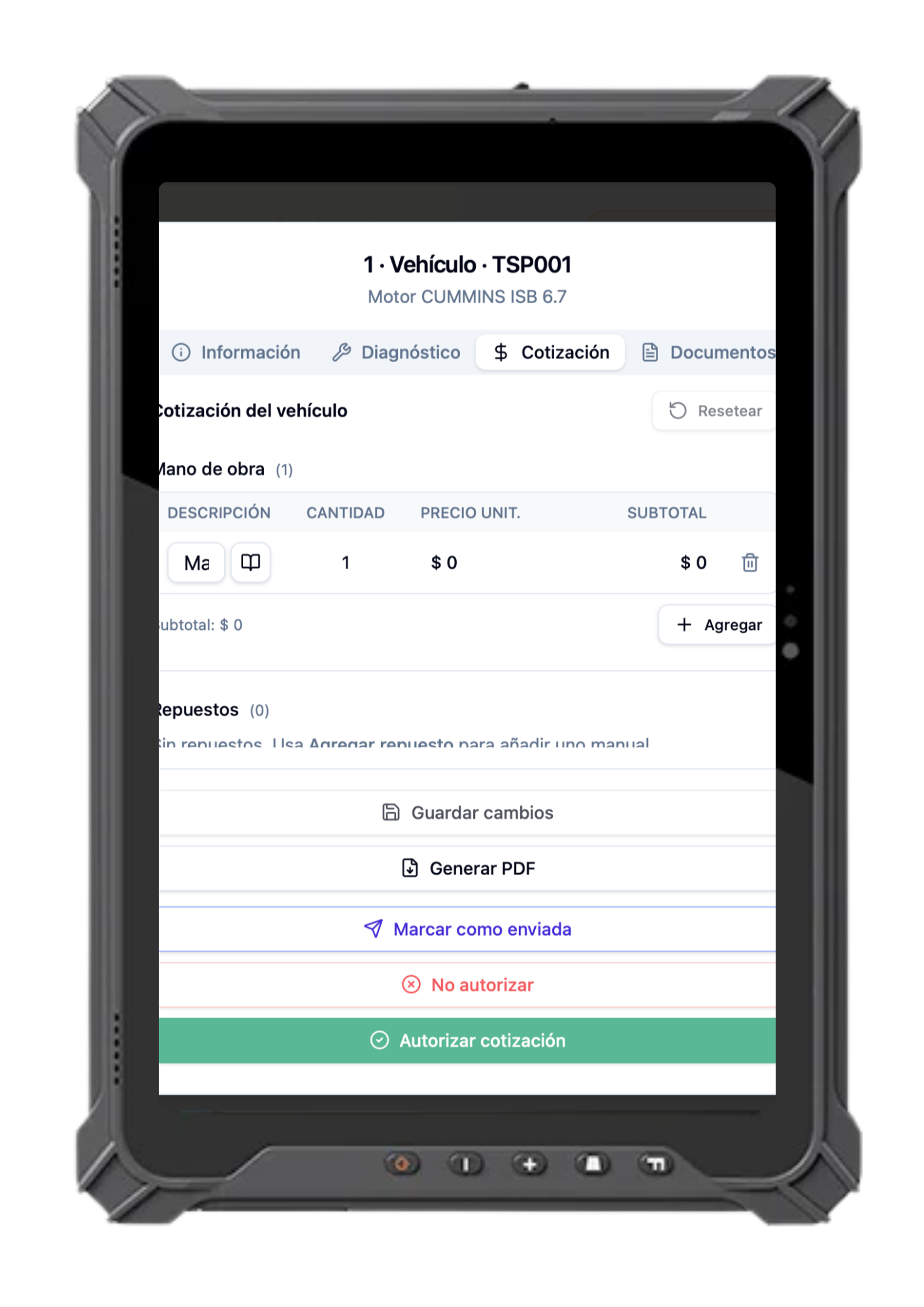
Quoting

Turn diagnostics into business.

Manage estimates, approvals and commercial follow-up.

  • Estimates
  • Approvals
  • Follow-up
Módulo Quoting de Diesel Works Software en una tablet industrial de taller diésel
05Production
05 / 15

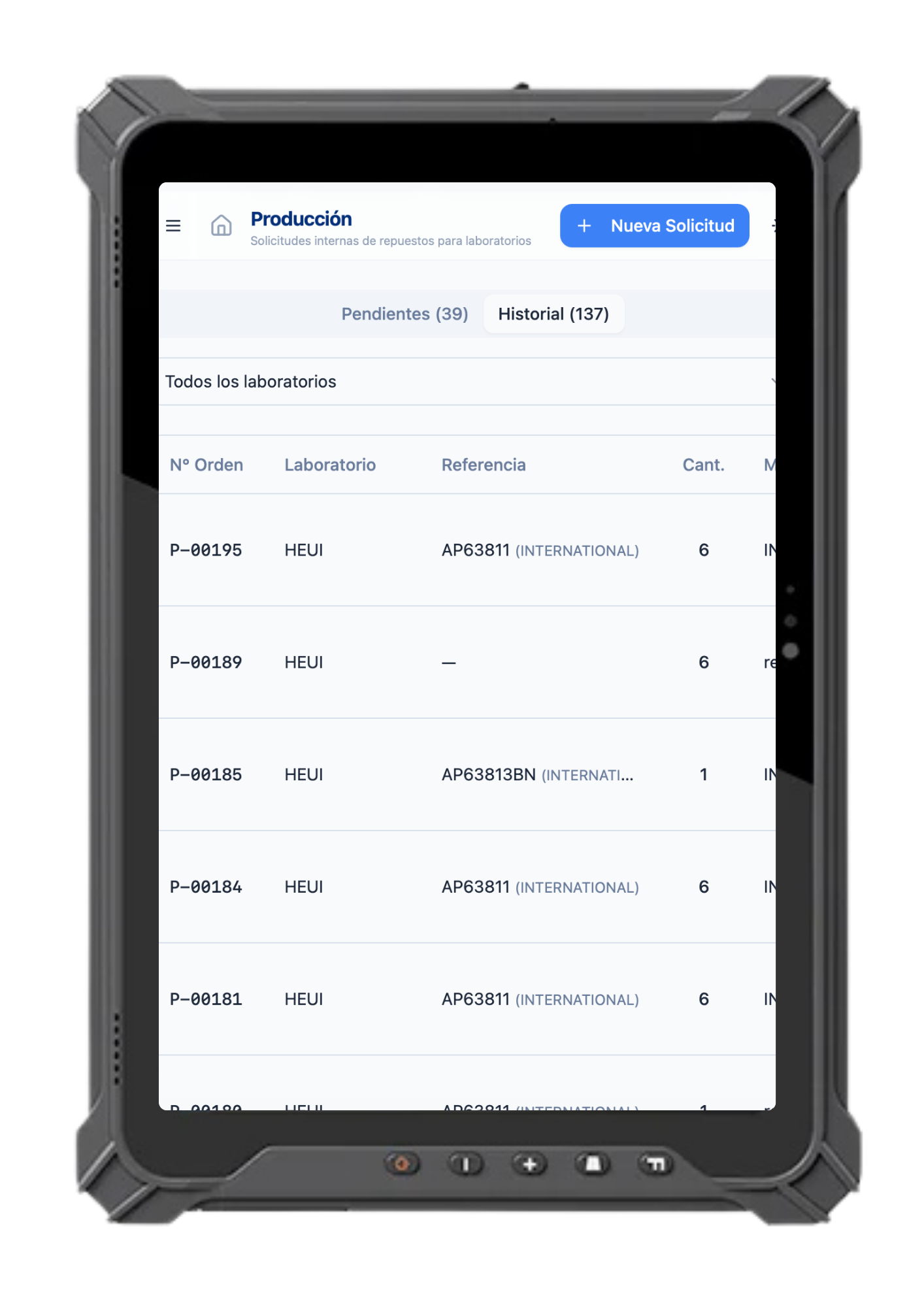
Production

Work needs control too.

Manage internal parts requests and shop work processes.

  • Internal use
  • Dispatch
Módulo Production de Diesel Works Software en una tablet industrial de taller diésel
06Inventory
06 / 15

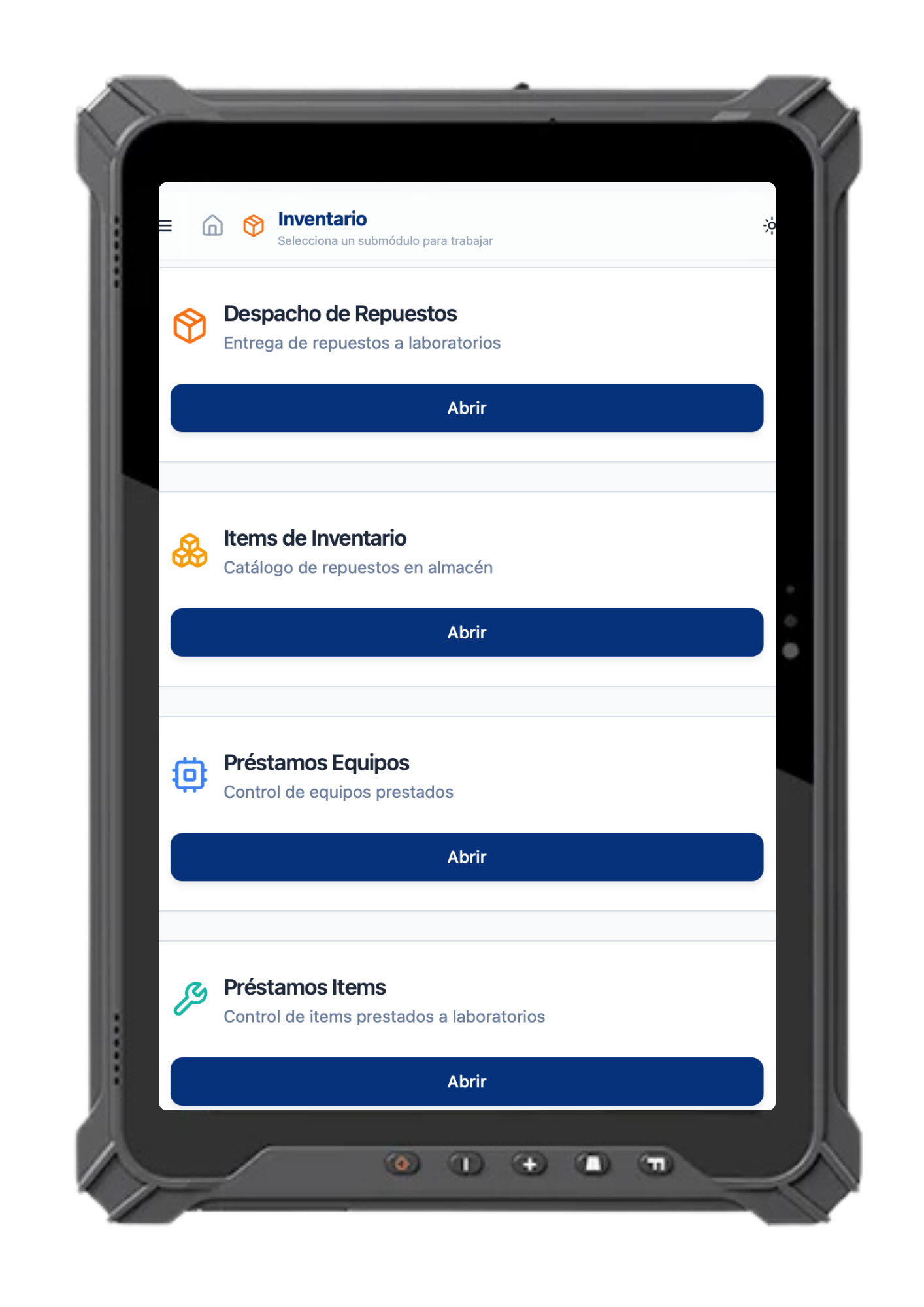
Inventory

Knowing what you have is control.

Manage stock, dispatches, loans and parts movements.

  • Stock
  • Loans
  • Dispatches
Módulo Inventory de Diesel Works Software en una tablet industrial de taller diésel
07Imports
07 / 15

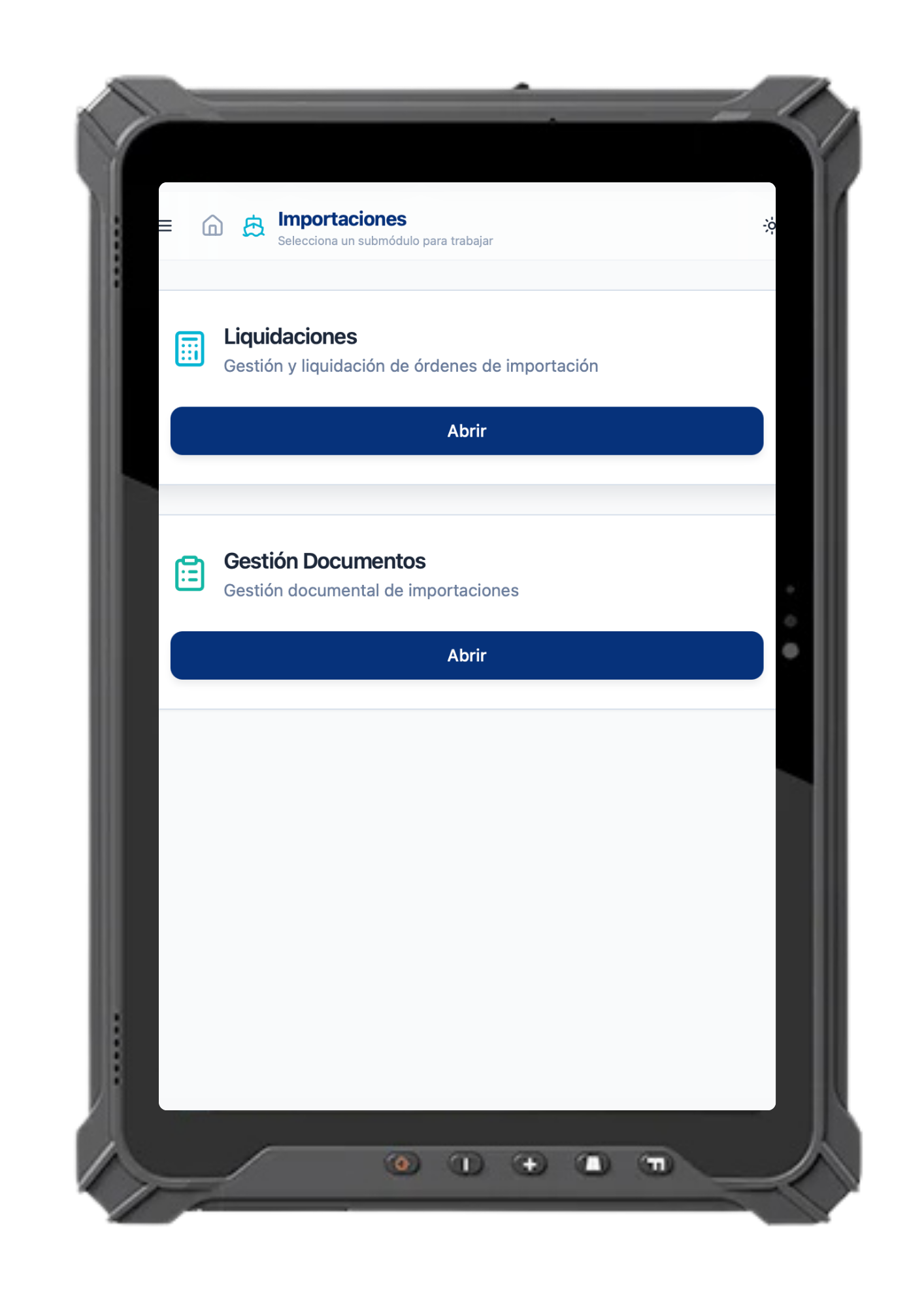
Imports

From supplier to inventory.

Manage international purchases, documents, expenses, logistics and costing.

  • Costing
  • Documents
  • Logistics
Módulo Imports de Diesel Works Software en una tablet industrial de taller diésel
08Electronic invoicing
08 / 15

Electronic invoicing

Close the operation.

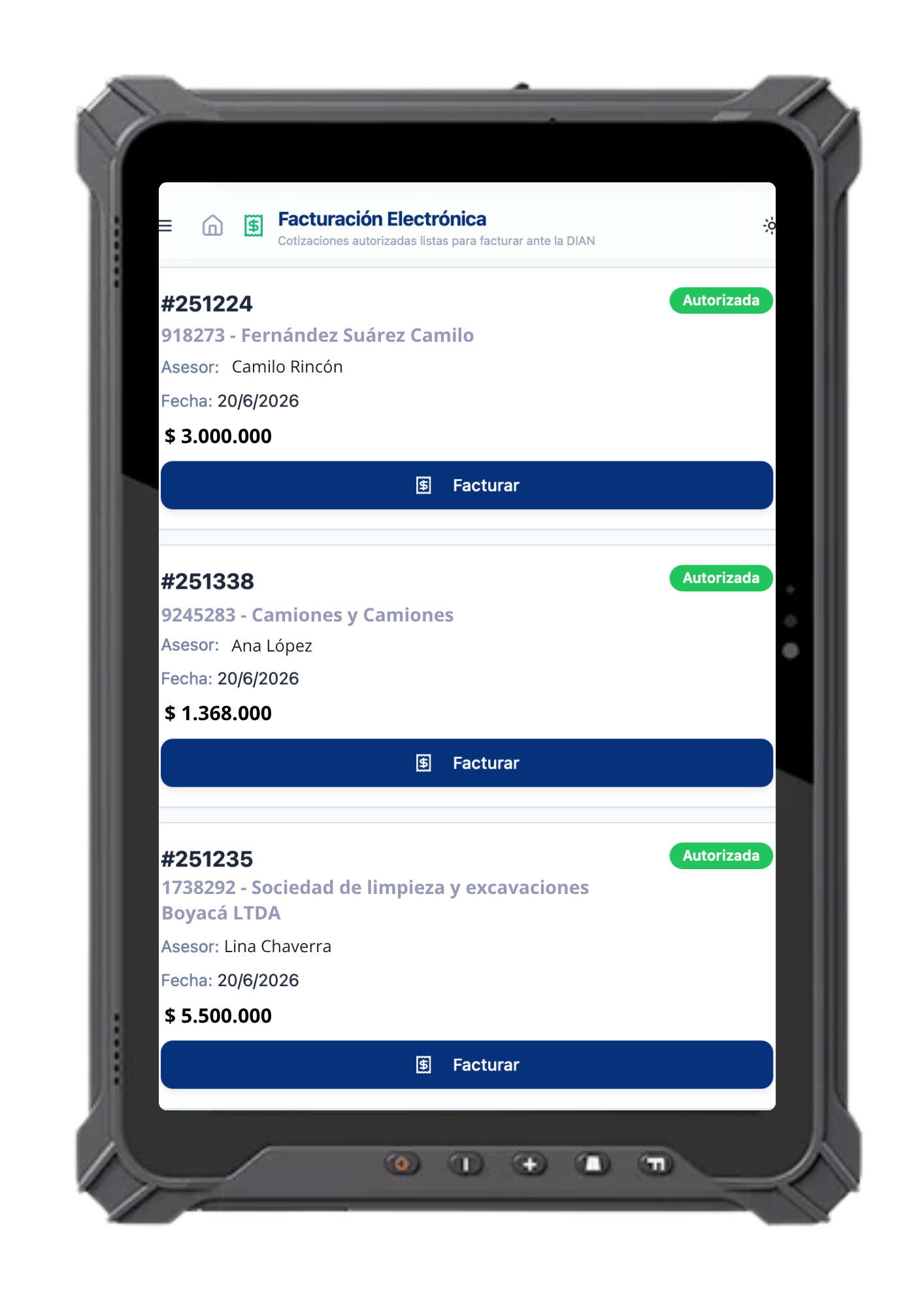
Manage electronic invoicing connected to the operation.

  • DIAN
  • Invoices
  • Close
Módulo Electronic invoicing de Diesel Works Software en una tablet industrial de taller diésel
09PQR and continuous improvement
09 / 15

PQR and continuous improvement

The software evolves too.

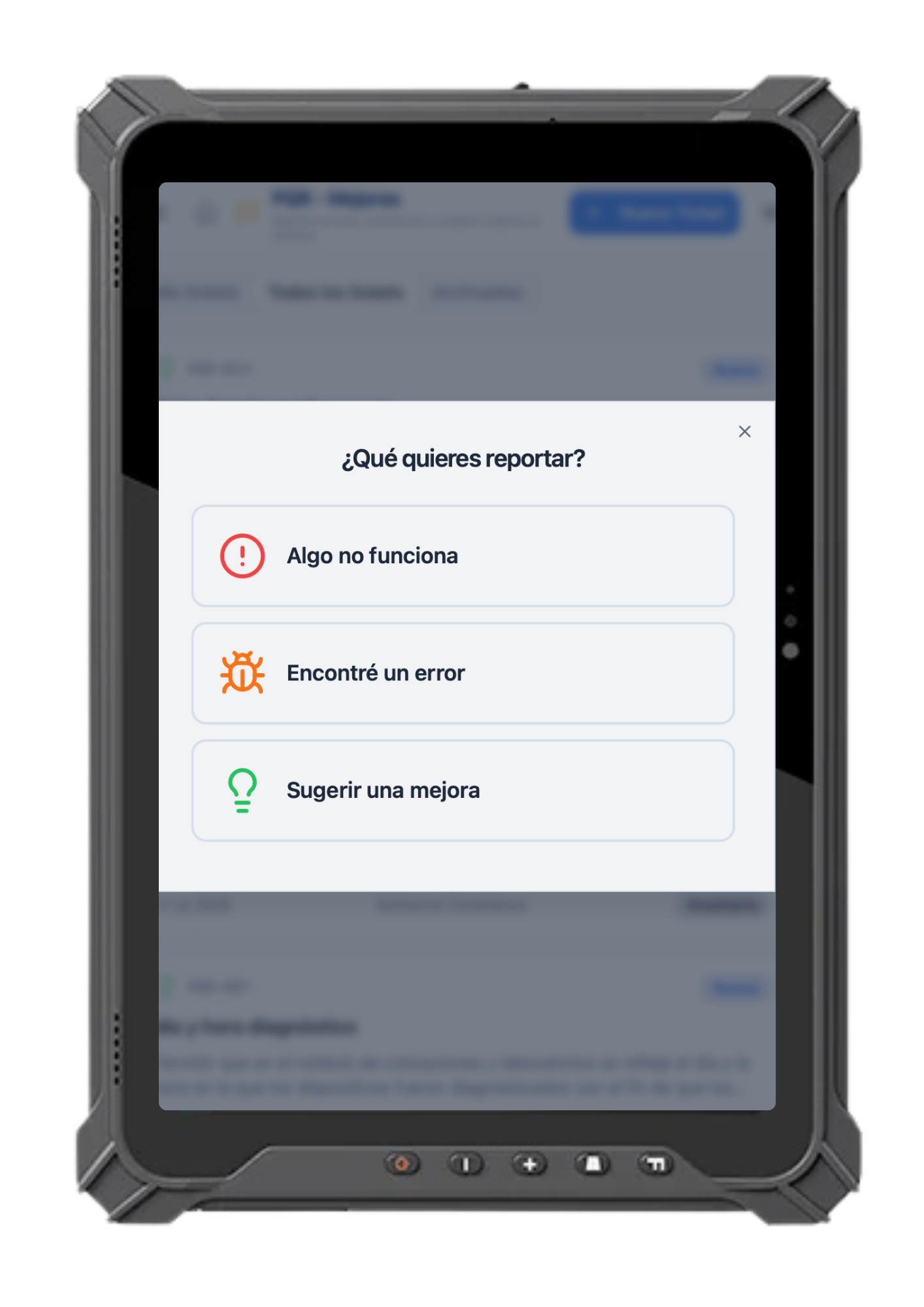
A channel for support, issue reports, suggestions and continuous improvement.

  • Support
  • Reports
  • Suggestions
Módulo PQR and continuous improvement de Diesel Works Software en una tablet industrial de taller diésel
10Plate history
10 / 15

Plate history

Traceability of serviced vehicles and devices.

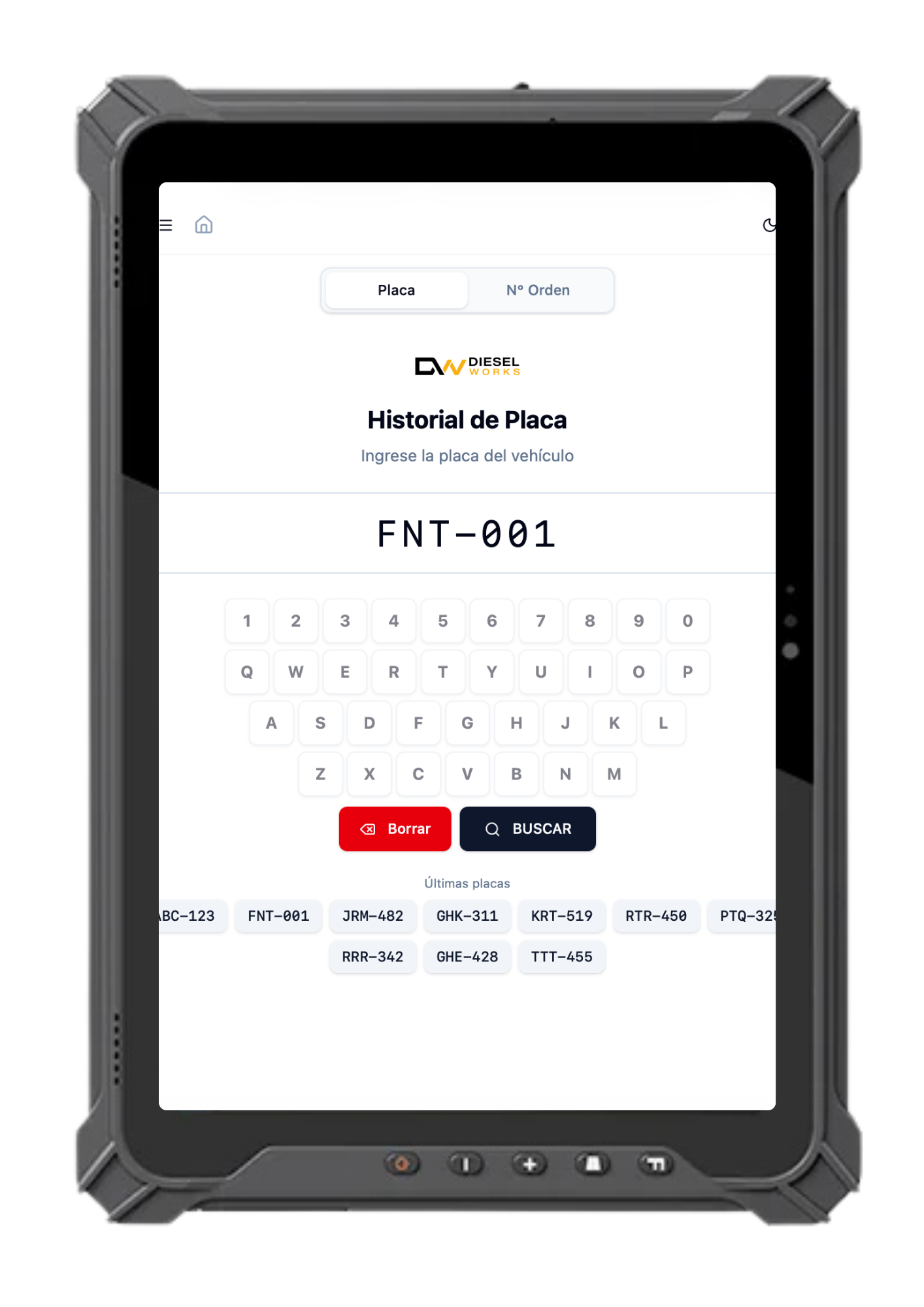
Look up history by license plate, by work order number and review the latest intakes.

  • Search by plate
  • Search by order number
  • Latest intakes
  • Traceability
Módulo Plate history de Diesel Works Software en una tablet industrial de taller diésel
11Workshop appointments
11 / 15

Workshop appointments

Web scheduling and yard space assignment.

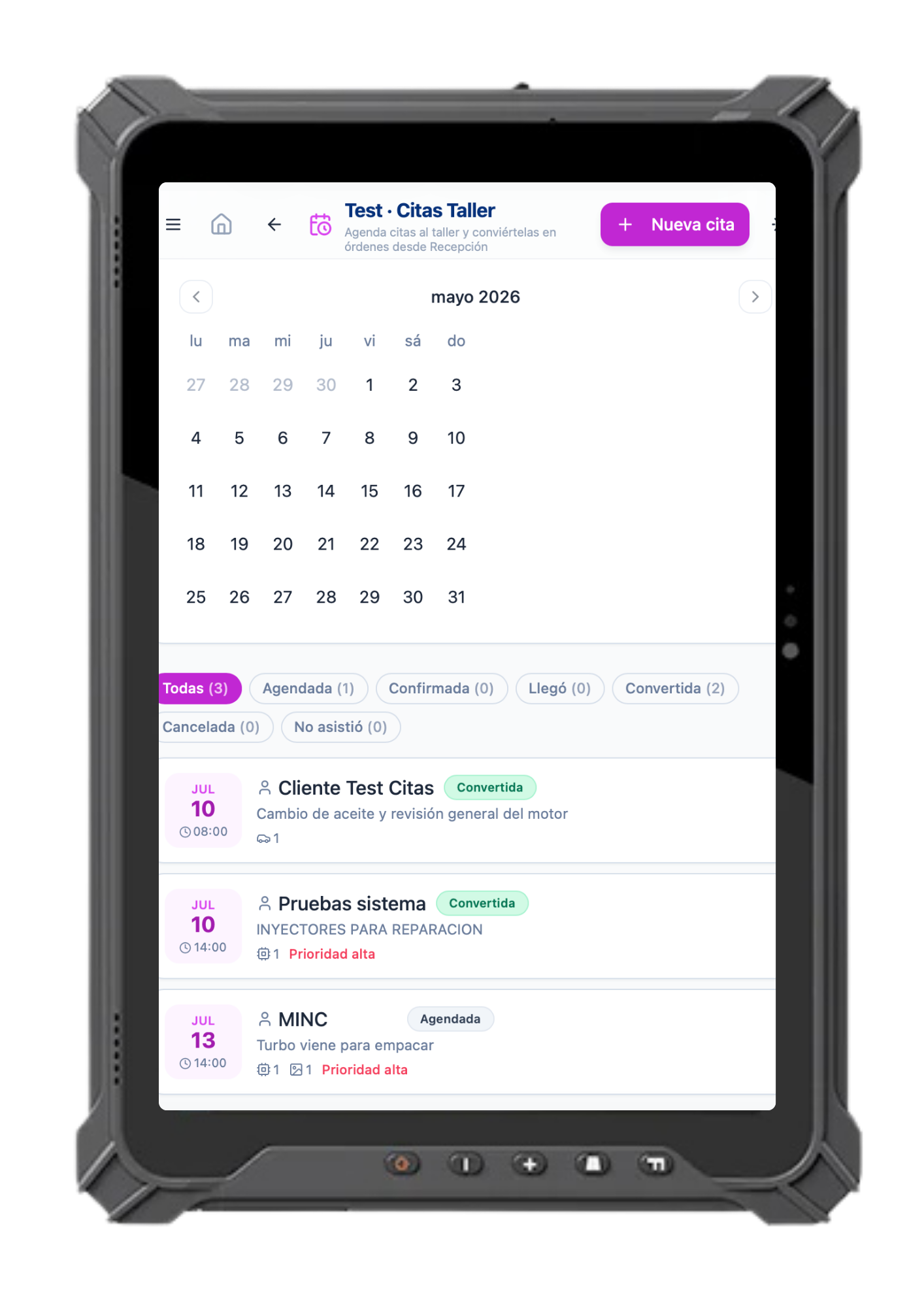
Schedule appointments, assign yard spaces and automatically generate work orders when the appointment is confirmed.

  • Web scheduling
  • Yard assignment
  • Automatic work orders
  • Appointment confirmation
Módulo Workshop appointments de Diesel Works Software en una tablet industrial de taller diésel
12VIP Clients
12 / 15

VIP Clients

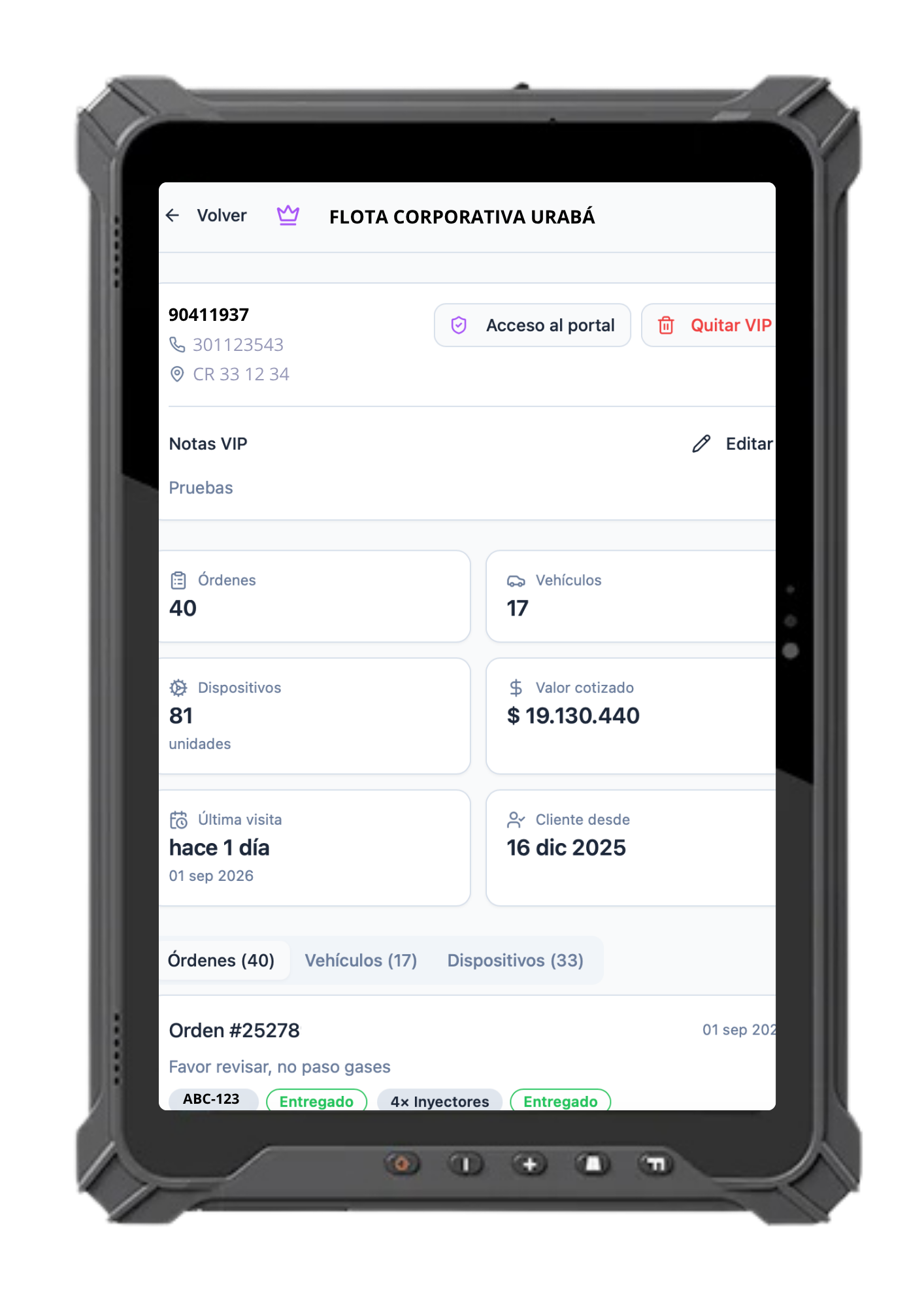
VIP client tracking panel with login access.

A private space where VIP clients log in with username and password to check the status of their work orders, vehicles and serviced devices.

  • Login access
  • Order tracking
  • Vehicle status
  • Device history
Módulo VIP Clients de Diesel Works Software en una tablet industrial de taller diésel
13KPI Management
13 / 15

KPI Management

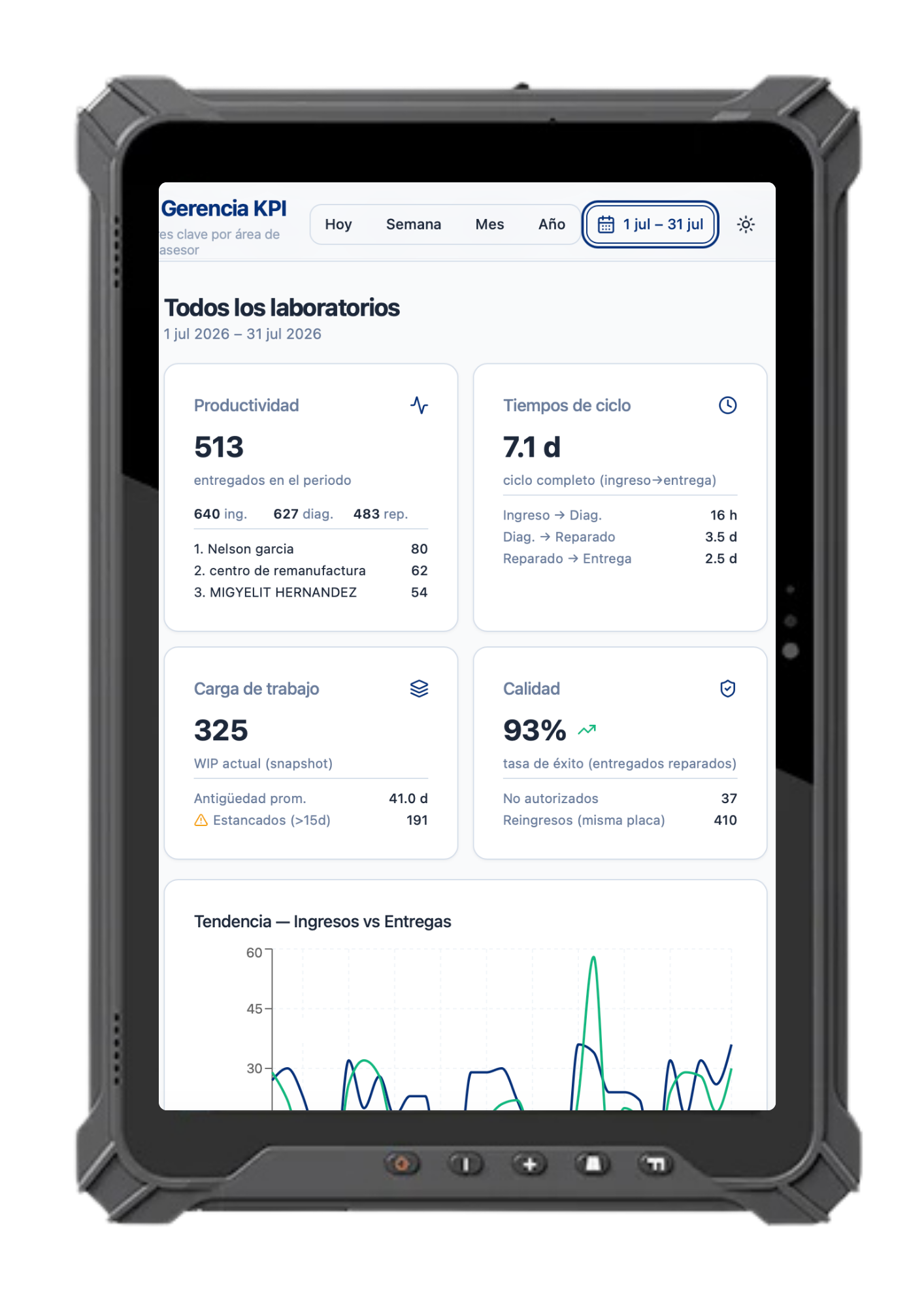
Tracking, productivity and reports by area, advisor and custom goals.

View productivity indicators, cycle times, workload and quality by area, advisor and goals configured for the operation.

  • Area indicators
  • Advisor reports
  • Custom goals
  • Cycle times and quality
Módulo KPI Management de Diesel Works Software en una tablet industrial de taller diésel
14Fleet Management
14 / 15

Fleet Management

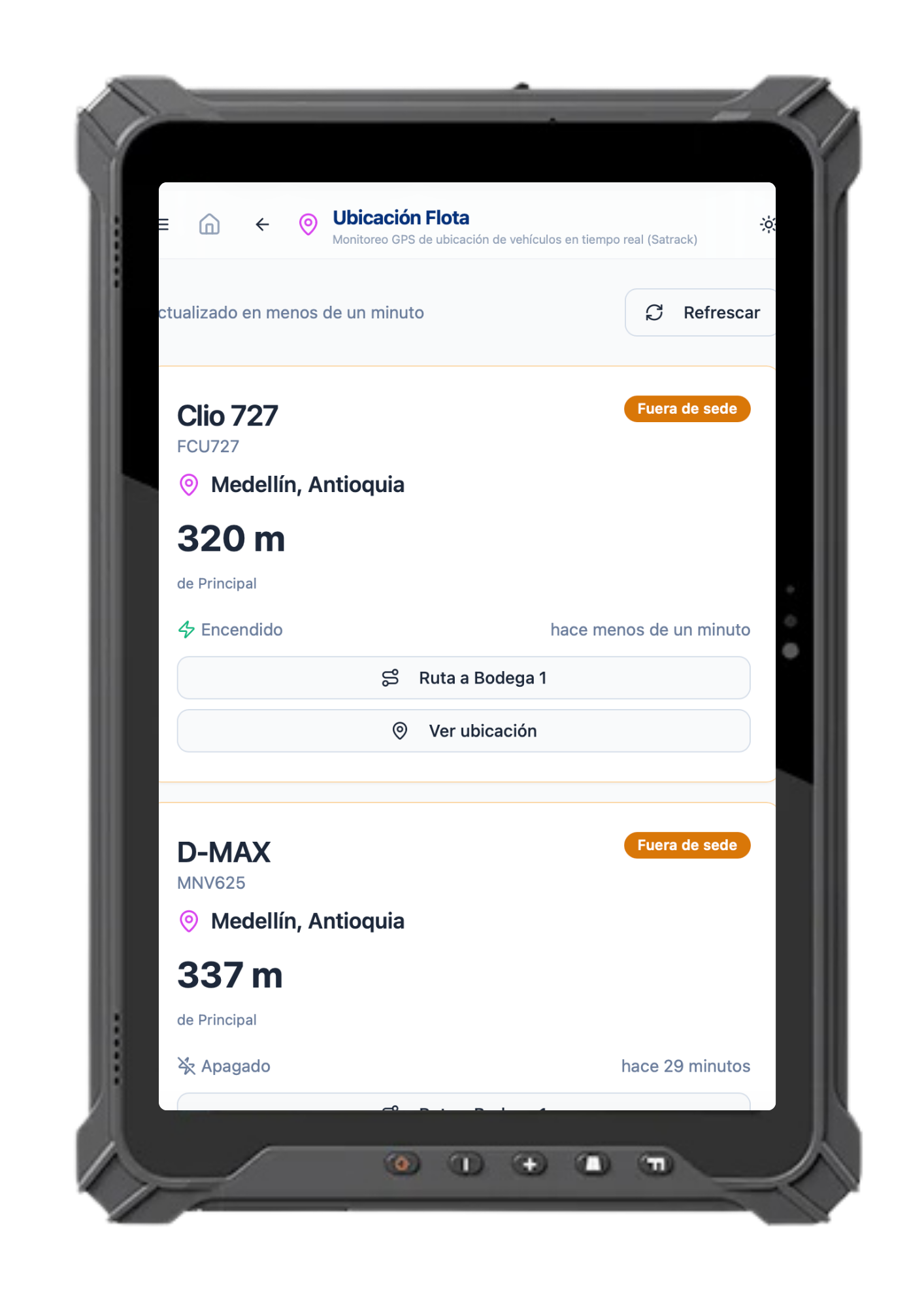
Tracking panel and Satrack integration.

Monitor your fleet's GPS location in real time, manage routes and connect the fleet with workshop operations through Satrack integration.

  • Real-time GPS location
  • Satrack integration
  • Routes and geofences
  • Linked to work orders
Módulo Fleet Management de Diesel Works Software en una tablet industrial de taller diésel
15Pro Modules
15 / 15

Pro Modules

More capacity, tailored to your needs.

Advanced features tailored to your needs, available as an additional layer of the system for when the operation requires it.

  • Advanced layer
  • Connected operation
  • Modular expansion
DW
Pro Modules
Integrations

Connected to what you already use.

Diesel Works Software integrates with key tools so your shop runs without friction.

Where you need it

Your shop doesn't fit on a desk.

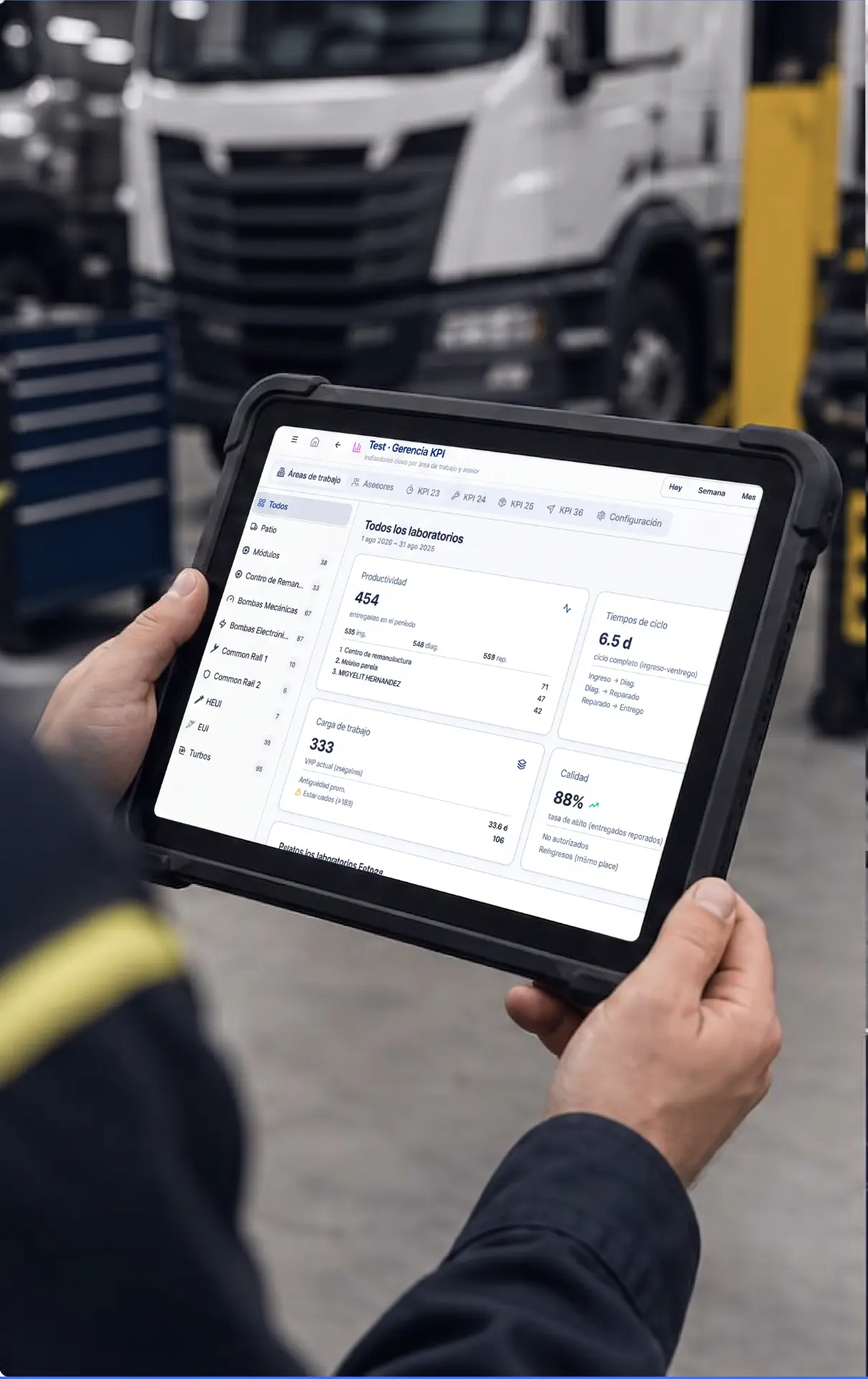
Industrial tablet

For work on the shop floor.

Computer

To manage the operation.

Mobile

To check in from anywhere.

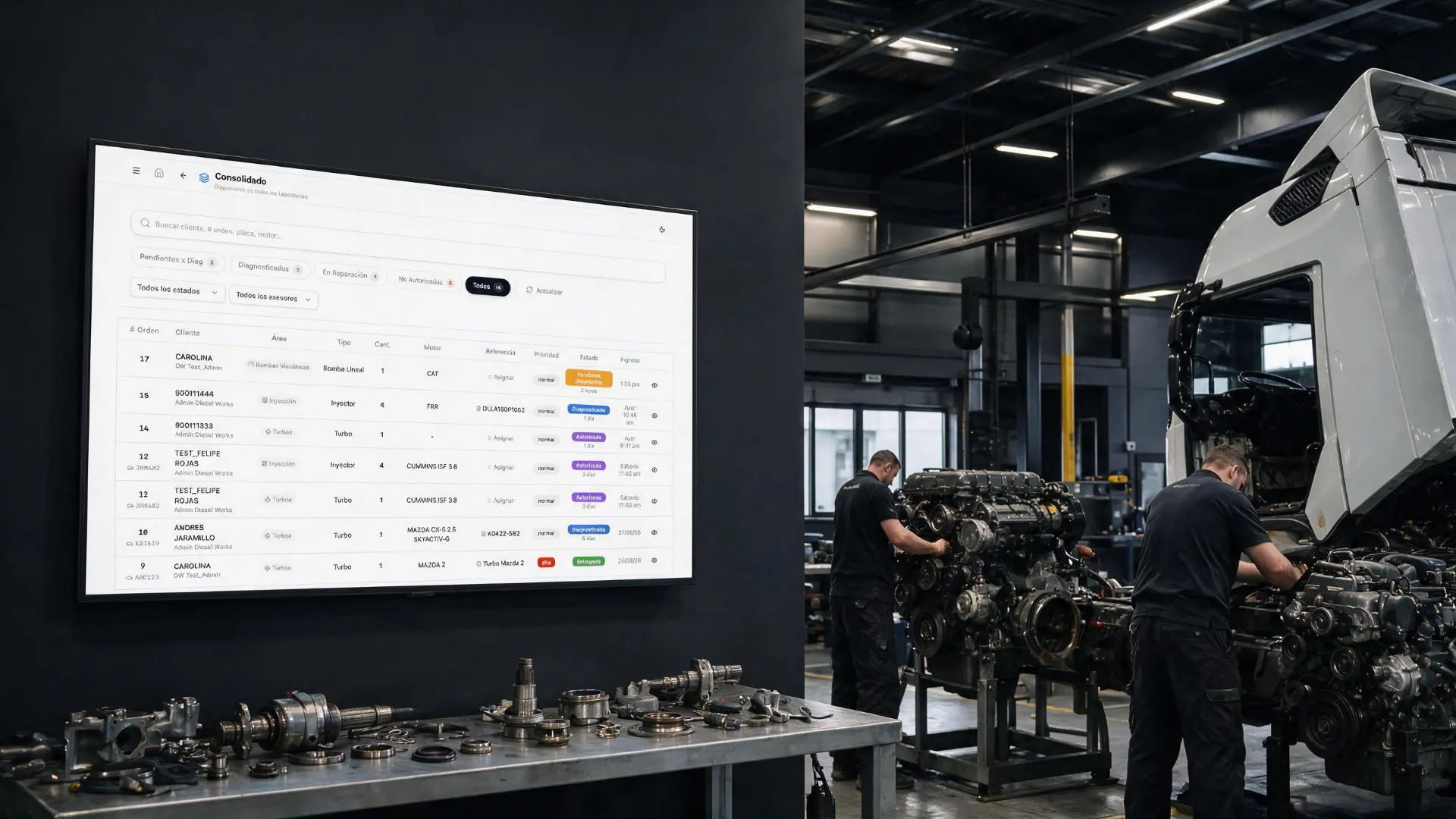
Taller diésel moderno con dashboard de Diesel Works Software en un televisor

Information works on the shop floor too.

See the state of the operation and keep your team aligned.

Fewer steps. More control.

Order

All information in one place.

Traceability

Follow each operation from start to finish.

Visibility

Check the state of the workshop.

Decisions

Information to manage better.

Diesel Works Software

Start with what you need.

Diesel Works Software has a modular architecture that lets you implement the components your operation actually needs.

Guidance

We don't leave you alone with the software.

We guide your launch so Diesel Works Software adapts to your workshop operation.

  1. 01Configuration
  2. 02Setup
  3. 03Training
  4. 04Guidance

Frequently asked questions

What is Diesel Works Software?

It is specialized software for managing diesel workshops and connecting operational information in one platform.

What kind of workshops is it designed for?

It is designed for diesel workshops, injection shops, laboratories, diagnostic centers and operations involving diesel vehicles or equipment.

Which modules are included?

It includes Intake, Yard, Laboratory, Quoting, Production, Inventory, Imports, Electronic Invoicing, PQR, plate history, workshop appointments, VIP clients, KPI management, fleet management and Pro features modules.

Can it be implemented by module?

Yes. Its modular architecture allows each operation to implement the components it actually needs.

Which workshop processes can I manage?

You can manage customers, vehicles, work orders, diagnostics, parts, quotes, inventory and operational information.

Can I use it on desktop, tablet and mobile?

The platform is designed to access and manage information from desktop, tablet and mobile depending on the work context.

Does it work for diesel laboratories?

Yes. The Laboratory module manages diagnostics, references, parts, protocols and repair status.
How do I request a demonstration?

Use the demo buttons on this page or speak directly with an advisor on WhatsApp.

Diesel Works Software

Your shop can work better.

Discover Diesel Works Software and take control of your operation to the next level.